


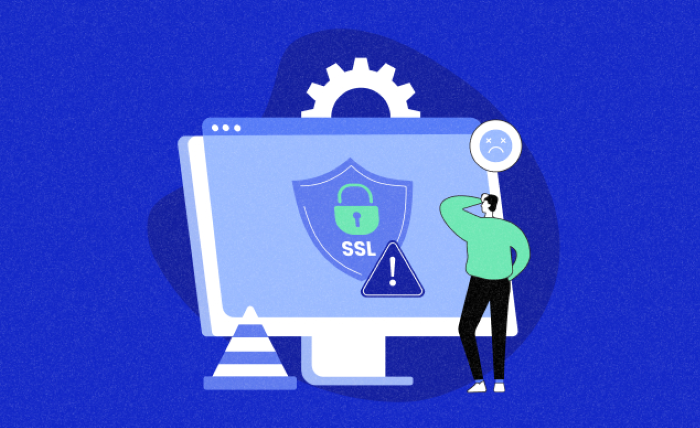
An SSL certificate makes sure a website is safe from harm. Data is encrypted between the user and the website, protecting personal, financial and login information. Properly secured websites will show a padlock icon at the start of their domain. Yet, there are moments when your SSL certificate no longer works properly. It’s referred to as a “broken SSL certificate,” and it shows warnings to visitors saying “Your connection is not private.” We’ll cover why SSL certificates no longer work and show you how to fix the problem, step by step.
Why Do SSL Certificates Fail?
After you get SSl certificate, it can fail for many different reasons. Most often, it is an expired certificate that causes the certificate to fail. Usually, an SSL certificate is valid for a year or more and you have to renew it regularly or it won’t function anymore. It is also common for people to choose the wrong domain name. Browsers sometimes show an error if someone visits www.example.com with a certificate that only covers example.com. A third reason is that the certificate isn’t put up properly on the web server where your site is hosted. When there is a change in the server or if the updates to the site are not suitable, the certificate may be disrupted.
Finding the man cause of the problem
Before anything else, you must understand what the issue with your SSL certificate is. Clicking on the padlock in your browser’s address bar will give you more information. Alternatively, you can test your site for SSL with SSL Checker, Why No Padlock or SSL Labs to view specific information reports. These resources will confirm whether your certificate has lapsed, whether parts are missing or if the name you supplied is different from your website’s. After you recognize what’s wrong, you can start resolving it.
Going for the solution.
When your certificate has expired, connecting with your certificate provider or host is the solution to renew. With the new certificate on hand, reinstall it into your server. If your problem is that the domain name and certificate don’t match, consider acquiring a certificate that handles every domain name associated with your website. Blackbox error 0x80092004 might appear when a certificate is not installed correctly; if this is the case, you should reinstall it using the instructions from your certificate authority or hosting company. Be certain that all necessary files which must include intermediate certificates, are properly inserted. There are services that let you set up SSL with one click, while others will do it for you at your request.
Check Your SSL Certificate Now and Then
It’s important to remember to renew your SSL certificate when the time comes. There are some car leasing companies that will make everything automatic by setting up auto-renewal. It’s wise to check your site with SSL tools every so often, especially after changing any settings on your website. Make sure your SSL certificate lists each domain, especially the subdomains, as multiple subdomains should be verified.
Final Thoughts
When an SSL certificate is broken, it can keep visitors away and damage your website’s image. Most SSL problems can be easily solved if you take action right away. No matter if your site’s security fails due to an expired certificate, domain problem or installation issue, you can bring it back with a few simple tricks. Stick with recognized certificate vendors, keep your devices updated and watch your website closely. Carefully looking after your SSL certification ensures that your site is safe, secure and trusted.
